Jerry model happening!
simpler title this time?
hey! weird things have been happening to my blogging setup the past few days, but i think everything should be in order now..?
i've been feeling blocked by the idea of having to make a competent-looking 3d model, but progress has accelerated over the past few days. Jerry is around 40% complete by amateur estimation!
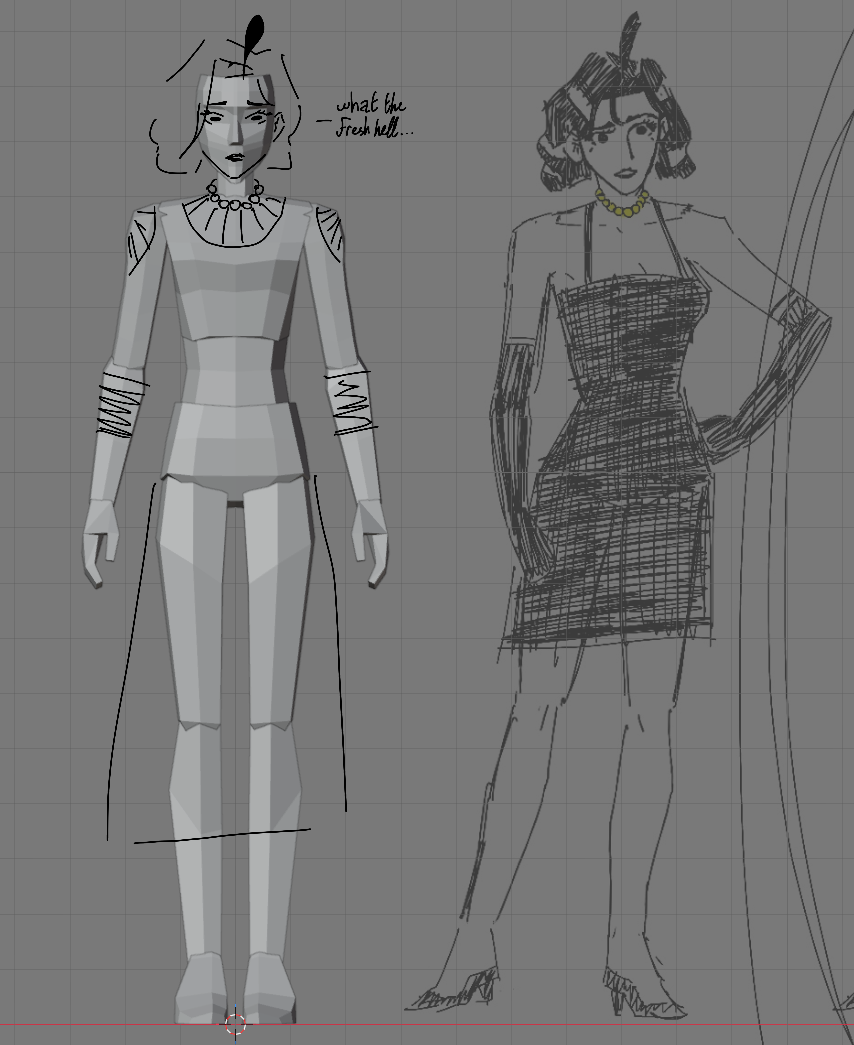
you can probably tell the topology is a little bit green... but it is, far as i can tell, "correct," best practices wise. funny story about that, actually.
The Story
i struggled a lot making this model in the beginning, having never made an even moderately detailed humanoid. feeling in a little bit of a creative throttle, i decided to trust the guidance of a tutorial1.
what i wanted was the certainty of a template to follow, and what the tutorial gave me was the confidence to blaze my own path, and to do it dirty. there wasn't one mention of trying to stick to good topology practices. you just do what makes the model look right.
...and despite this new resolution to make something, even if it's shitty, the model came out with pretty good topology anyway. as it happens, i have enough experience 3d modelling to be comfortable manipulating Blender on a basic level. i've spent lots of time playing with topologically simple models and constructing scenes, mostly to reference in drawings. it's made me rather quick on the controls, and apparently drilled good practice into my intuition.
but i struggle with making anything more than a little kitbash. my situation is best described with an analogy -- it's like i'm very comfortable using a brush and mixing oil paints to make strokes, but i've never painted a landscape. i don't have to learn how to use the tool, but i need practice making art with it before i'll make something great.
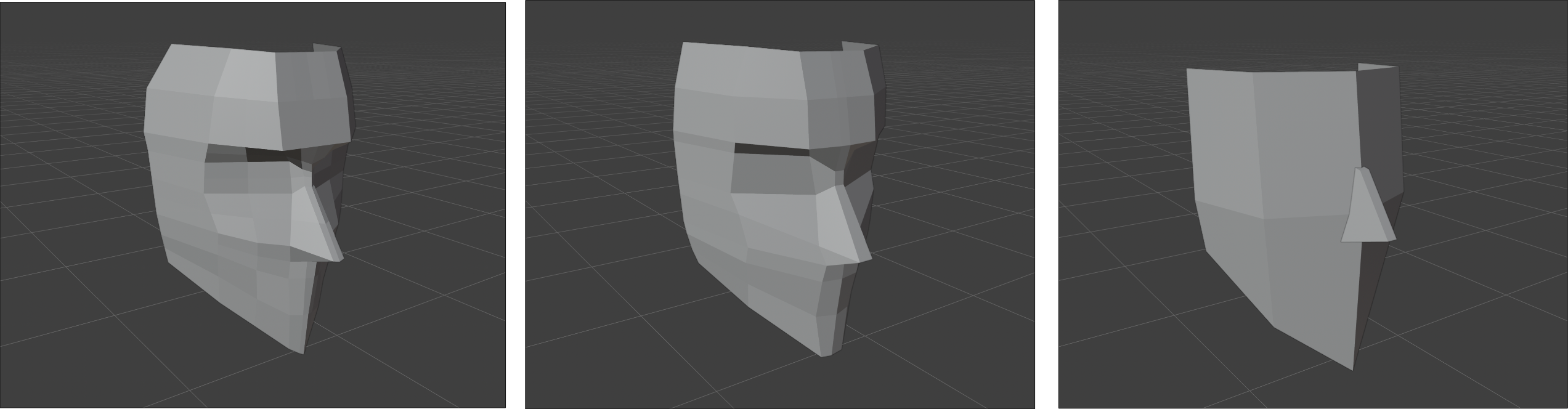
regardless, i'm not letting that stop me. i'll look into how more experienced modellers simplify their models to make the mesh appear more consistent. my art doesn't have to be perfect... almost like that's something i'm coming to learn, huh?
from now, the to-do list is:
- Jerry's hair
- the topology of her dress, since the primary design is with the long-sleeved black dress
- do a little uv unwrapping
- texture work
- rig the girl (order interchangeable with uv/texture)
- and... that's it? i had this written down somewhere...
- animate it? i wanna have a walking Jerry already!!
weird concept for a The Story...
nice!
yeah! i think so! progress definitely feels slower than when i was adding 3 features a day to the Godot project, but, you know.
next time i hope to have a complete model to show off! i won't promise that, but i will promise to show what progress i make. let's hope i don't have weird technical issues with my blog again.
~~D`d
Footnotes
-
the tutorial mentioned is Crashsune Academy's "Full Blender Character Modeling Tutorial Series". thank you to them for the awesome tutorial. it does a very good job of conveying the feeling of learning to use a tool while making something you like. ↩